


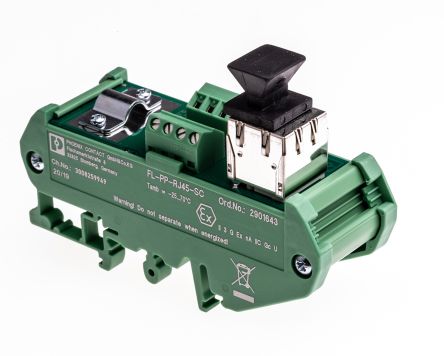
Phoenix Contact FL Series Patch Panel Patch Panel
RS Stock No. 801-9169
Brand Phoenix Contact
- Brand: Phoenix Contact
- Section: Computing & Peripherals
- Super Section: Networking & WiFi
€ 108.56
43 in stock now
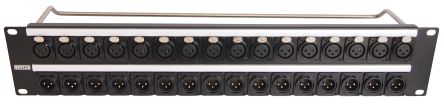
RS PRO XLR AV Patch Panel 32 Port Patch Panel, 2 U Rack Height
RS Stock No. 028-5092
Brand RS Pro
- Brand: RS Pro
- Number Of Ports: 32
- Super Section: Networking & WiFi
€ 357.68
in stock now
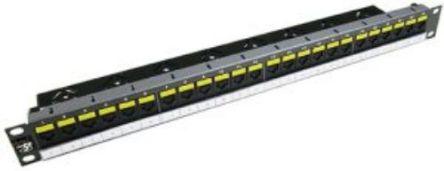
Molex Premise Networks PowerCat 5E Patch Panel Series Cat5e 24 Port RJ45 RJ Patch Panel UTP 1 U Black, Grey
RS Stock No. 261-3306
Brand Molex Premise Networks
- Brand: Molex Premise Networks
- Category: RJ Patch Panels
- Super Section: Networking & WiFi
€ 97.89
9 in stock now

RS PRO USB AV Patch Panel 16 Port Patch Panel, 1 U Rack Height
RS Stock No. 036-0705
Brand RS Pro
- Brand: RS Pro
- Category: AV Patch Panels
- Super Section: Networking & WiFi
€ 336.34
in stock now

RS PRO USB AV Patch Panel 16 Port Patch Panel, 1 U Rack Height
RS Stock No. 036-0707
Brand RS Pro
- Brand: RS Pro
- Category: AV Patch Panels
- Super Section: Networking & WiFi
€ 380.27
in stock now
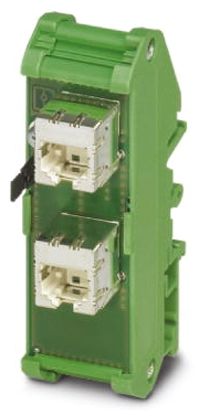
Phoenix Contact FL-PP-RJ45/RJ45 Series Patch Panel Patch Panel
RS Stock No. 801-9128
Brand Phoenix Contact
- Brand: Phoenix Contact
- Category: RJ Patch Panels
- Section: Computing & Peripherals
€ 99.15
16 in stock now
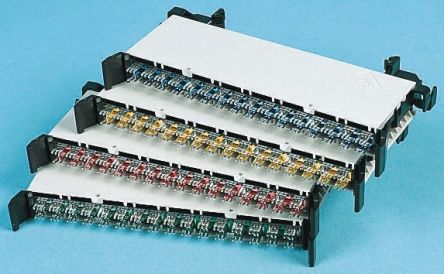
Decelect Keystone Patch Panel
RS Stock No. 409-1224
Brand Decelect
- Brand: Decelect
- Section: Computing & Peripherals
- Super Section: Networking & WiFi
€ 18.57
Temporarily out of stock
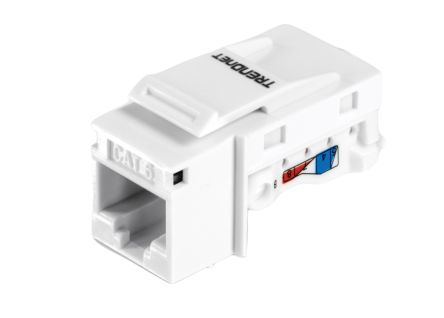
Trendnet TC Series Patch Panel
RS Stock No. 030-9678
Brand Trendnet
- Brand: Trendnet
- Category: RJ Patch Panels
- Section: Computing & Peripherals
€ 59.86
in stock now
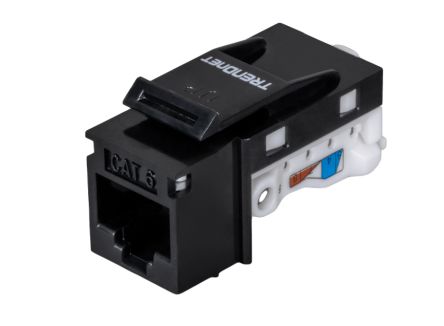
Trendnet TC Series Patch Panel
RS Stock No. 030-9680
Brand Trendnet
- Brand: Trendnet
- Category: RJ Patch Panels
- Section: Computing & Peripherals
€ 64.01
in stock now
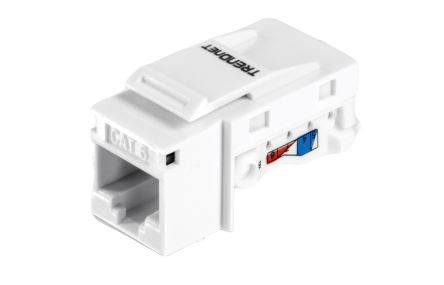
Trendnet TC Series Patch Panel
RS Stock No. 030-9682
Brand Trendnet
- Brand: Trendnet
- Section: Computing & Peripherals
- Super Section: Networking & WiFi
€ 125.50
in stock now
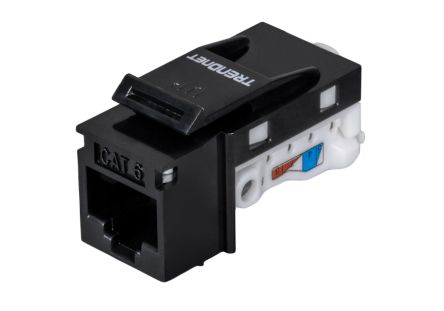
Trendnet TC Series Patch Panel
RS Stock No. 030-9683
Brand Trendnet
- Brand: Trendnet
- Category: RJ Patch Panels
- Section: Computing & Peripherals
€ 119.85
in stock now

Roline RS Cat5e RJ45 1 Port Patch Panel, UTP Shielding
RS Stock No. 616-2182
Brand Roline
- Manufacturer: Roline
- Section: Computing & Peripherals
- Super Section: Networking & WiFi
€ 4.46
130 in stock now
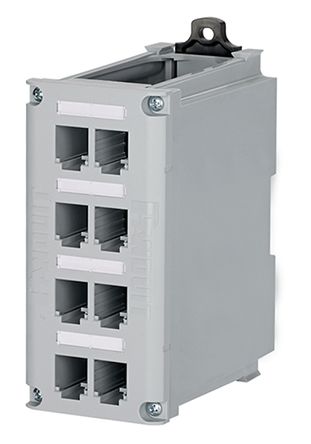
Panduit CDPP Cat5 8 Port DIN Rail Mount Copper Patch Panel
RS Stock No. 848-5468
Brand Panduit
- Accessory Type: DIN Rail Mount Copper Patch Panel
- Category: RJ Patch Panel Modules & Accessories
- Number Of Ports: 8
€ 219.63
17 in stock now
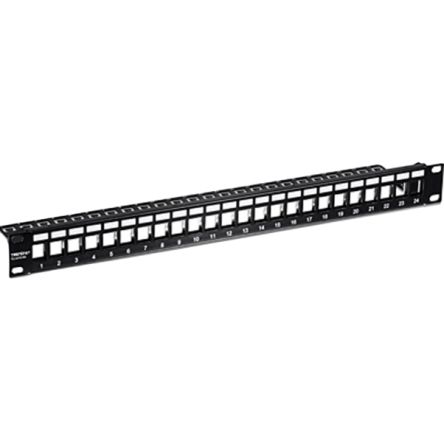
Trendnet TC Series 24 Port Patch Panel 45 mm Black
RS Stock No. 030-9687
Brand Trendnet
- Category: RJ Patch Panels
- Section: Computing & Peripherals
- Super Section: Networking & WiFi
€ 31.00
in stock now
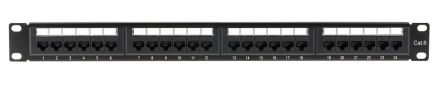
RS PRO RJ Patch Panel
RS Stock No. 055-6635
Brand RS Pro
- Category: RJ Patch Panels
- Section: Computing & Peripherals
- Super Section: Networking & WiFi
€ 154.37
in stock now
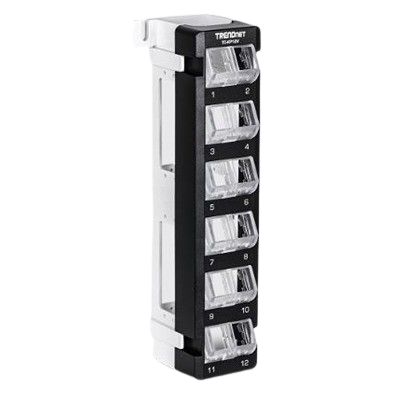
Trendnet TC Series 12 Port RJ Patch Panel 255 mm Black
RS Stock No. 064-9643
Brand Trendnet
- Brand: Trendnet
- Category: RJ Patch Panels
- Super Section: Networking & WiFi
€ 15.31
in stock now
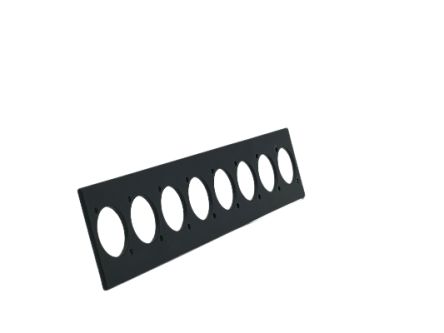
Re-An Products XLR Modular Panel 8 Port Patch Panel
RS Stock No. 251-9040
Brand Re-An Products
- Brand: Re-An Products
- Connector Type: XLR
- Manufacturer: Re-An Products
€ 7.03
32 in stock now
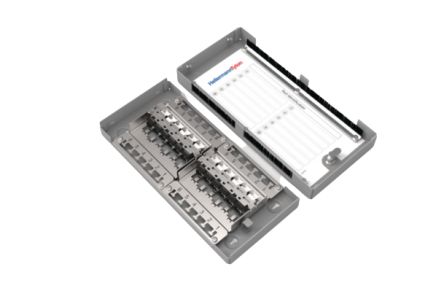
HellermannTyton Connectivity ZTB Series Patch Panel
RS Stock No. 269-5129
Brand HellermannTyton Connectivity
- Brand: HellermannTyton Connectivity
- Section: Computing & Peripherals
- Super Section: Networking & WiFi
€ 377.76
1 in stock now
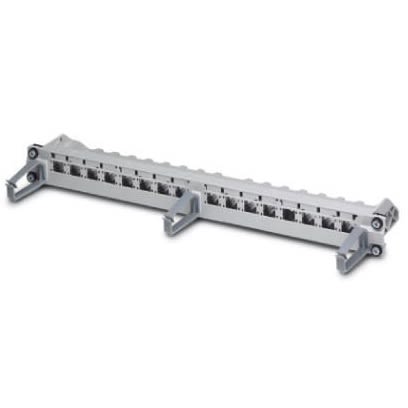
Phoenix Contact 16 Port Patch Panel Light Grey
RS Stock No. 254-4710
Brand Phoenix Contact
- Brand: Phoenix Contact
- Category: RJ Patch Panels
- Super Section: Networking & WiFi
€ 288.65
Temporarily out of stock
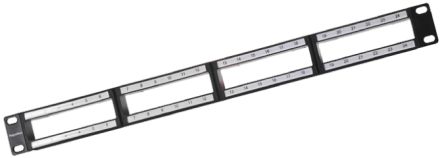
HellermannTyton Connectivity 4 Port Fibre Optic Patch Panel
RS Stock No. 719-0807
Brand HellermannTyton Connectivity
- Manufacturer: HellermannTyton Connectivity
- Number Of Ports: 4
- Section: Computing & Peripherals
€ 45.43
Temporarily out of stock
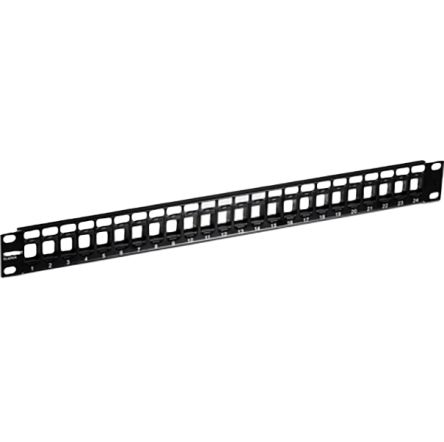
Trendnet TC Series Cat6 24 Port Patch Panel 45 mm Black
RS Stock No. 030-9686
Brand Trendnet
- Brand: Trendnet
- Category: RJ Patch Panels
- Super Section: Networking & WiFi
€ 19.95
in stock now
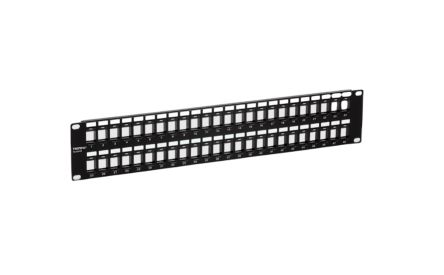
Trendnet TC Series Cat6 48 Port Patch Panel 87 mm Black
RS Stock No. 030-9689
Brand Trendnet
- Brand: Trendnet
- Category: RJ Patch Panels
- Super Section: Networking & WiFi
€ 37.65
in stock now
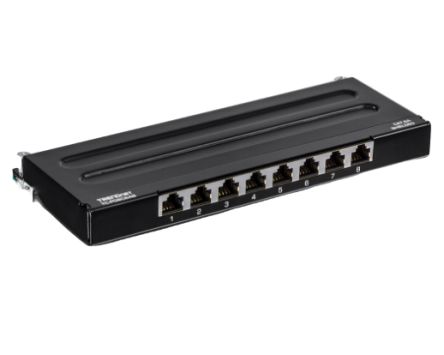
Trendnet TC Series 8 Port RJ45 Patch Panel Shielded Black
RS Stock No. 030-0197
Brand Trendnet
- Category: RJ Patch Panels
- Section: Computing & Peripherals
- Super Section: Networking & WiFi
€ 51.71
in stock now

Roline RS Cat5e RJ45 1 Port Patch Panel, UTP Shielding
RS Stock No. 616-2198
Brand Roline
- Brand: Roline
- LAN Category: Cat5e
- Super Section: Networking & WiFi
€ 4.46
16 in stock now

...
What is a patch panel and what is it used for?
What are the different types of patch panels available?
- Copper patch panels for Ethernet—Cat5e, Cat6, Cat6a, or Cat7 options, available in 24-port, 48-port, and modular port configurations. They can be shielded (STP) or unshielded (UTP) and may offer front-facing RJ45 jacks or rear IDC/punch-down terminations.
- RJ45 modular patch panels with front-panel jacks you can populate with keystone jacks or pre-terminated stacks, ideal for quick changes and easy labeling.
- Fiber patch panels for backbone links—typically 1U or 2U, with LC/SC adapters, designed for single-mode or multimode fiber, and available in trunk, breakout, or wall-mount variants.
- Wall-mount patch panels for small offices or telecommunications closets where a full rack isn’t practical.
- Hybrid or modular patch panels that mix copper ports and fiber adapters in the same chassis, offering flexible growth.
How do I choose the right patch panel for my network?
- Cabling type and category: For Ethernet LANs, decide between Cat5e, Cat6, Cat6a, or higher. For fiber, determine single-mode vs multimode and connector type (LC, SC, etc.).
- Port count and density: Common sizes are 24-port and 48-port copper panels; larger data centers may use 96-port or modular solutions. Plan for headroom to avoid repatching soon.
- Rack compatibility: Ensure 19" rack mounting, height in U, and proper depth for future patch cords and cable managers.
- Shielding and environment: Choose shielded panels for areas with EMI or when using shielded cables; consider IP ratings or front-rear access in harsh environments.
- Power and PoE needs: If you require PoE delivery through the network, verify PoE compatibility or ensure the patch panel’s design works in concert with PoE-capable switches and power budgeting.
- Management features: Labeling fields, color coding, and integrated cable management bars help keep cables neat and minimize trouble during changes.
How do I install a copper patch panel in a rack?
- Plan the cable routes from all workstations, switches, and patch cables to the patch panel, labeling days and colors for quick identification.
- Mount the patch panel in a 19" rack or wall enclosure, aligning it with other equipment and ensuring stability.
- Route backbone cables neatly using horizontal and vertical cable managers; maintain minimum bend radii as specified by the cable category (typically 1–4 times the cable diameter).
- Terminate copper cables using the panel’s supported method—IDC punched-down for many back-terminated panels or RJ45 jacks for front-terminated modular panels. Use the correct tool and follow the color code (e.g., T568A or T568B) to avoid cross-wiring mistakes.
- Label each port and maintain a mapping document to speed future changes.
- Test the completed links with a certified LAN cable tester to confirm proper continuity, correct pairing, and data transmission quality.
Do patch panels support PoE, and how is power delivered?
- Patch panels rated to carry the intended PoE power without overheating, typically labeled PoE or PoE+ compatibility.
- Shielding and cable grade (Cat5e or higher) to maintain power delivery within safe temperature ranges and to support higher PoE standards like PoE++, if needed.
- Proper cooling and space in the rack to prevent heat buildup in dense port configurations.
What are the best practices for labeling and organizing cables on a patch panel?
- Use a consistent labeling scheme for every port, such as floor-room-device-port or fixed color codes per network segment.
- Color-code copper and fiber cables by function (blue for data, green for management, yellow for fiber, etc.).
- Install a labeling guide or placard on the patch panel with port numbers and descriptive names.
- Employ trunk and patch cables of the same length or color to avoid tangled runs.
- Keep patch cords short and use cable management bars to route them cleanly to switches and servers.
What should I consider when choosing a fiber patch panel?
- LC adapters with single-mode or multimode fiber; SC or ST connectors are alternatives in older deployments.
- Port count and arrangement: 12, 24, 48 ports or modular 10G/40G configurations for backbone links.
- Cable routing and management: tray depth, cable management rings, splice trays, and compatibility with existing fiber adapters.
- Environmental considerations: dust protection, enclosure sealing, and thermal management in data centers.
What are common mistakes to avoid with patch panels?
- Overtightening or mislabeling cables, leading to connector damage or confusion during maintenance.
- Crossing wires or tangled bundles that impede airflow and complicate testing.
- Using mismatched categories or incompatible connectors on copper runs, causing signal loss or crosstalk.
- Skipping labeling or documentation, which slows troubleshooting and future upgrades.
- Poor bend radius or strained cables, risking degraded performance and reliability issues.