Tekninen Dokumentti
Tekniset tiedot
Merkki
ABBAccessory Type
Operator Panel
Product Type
Inverter Drive Accessory
For Use With
ACS550 Series, ACS350 Series, ACS355 Series, ACS310 Series
Series
ACS550
Standards/Approvals
UL, CE, cUL
Alkuperämaa
China
Tuotetiedot
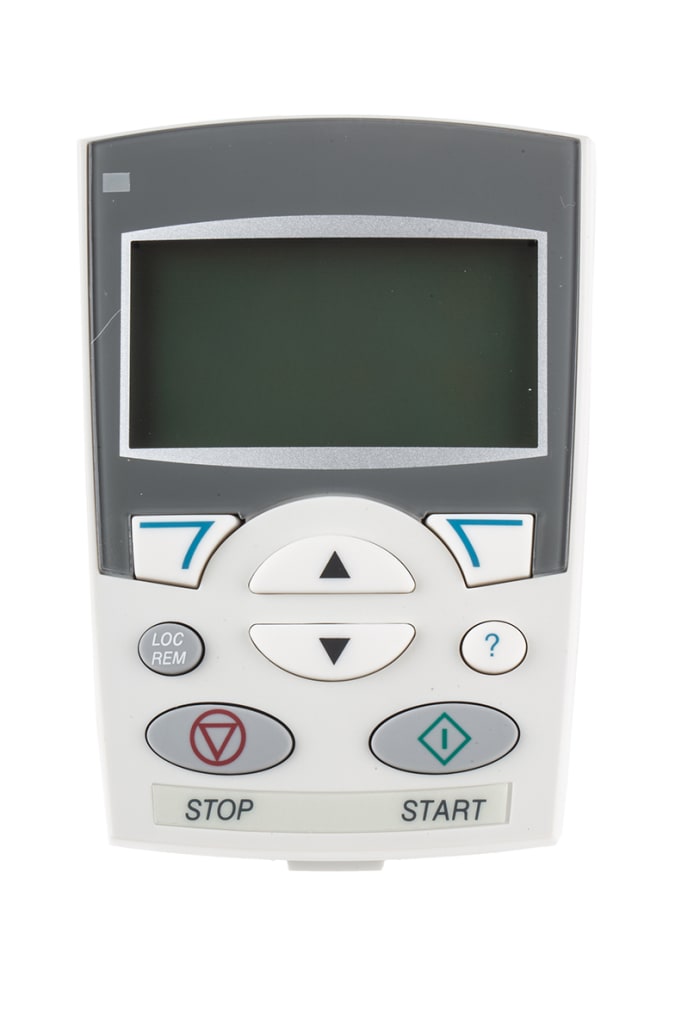
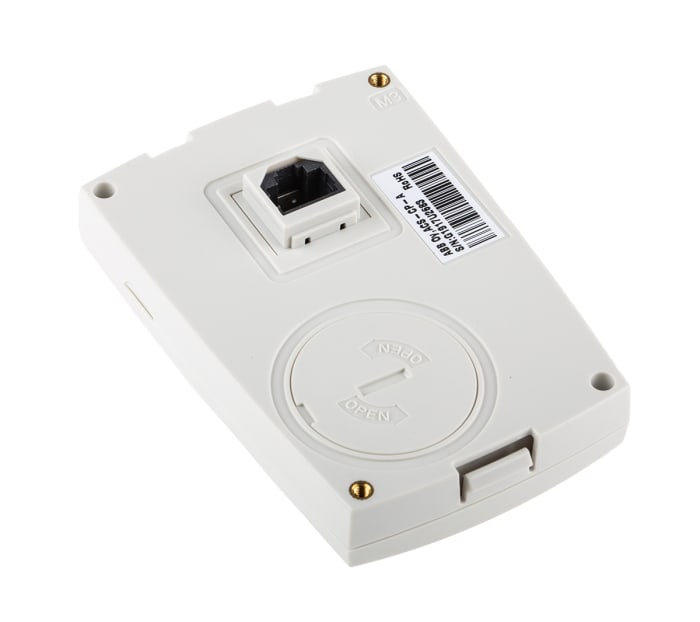
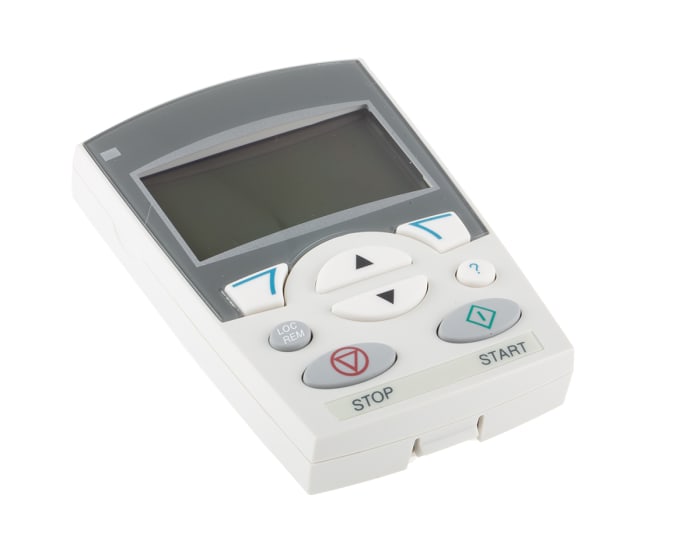
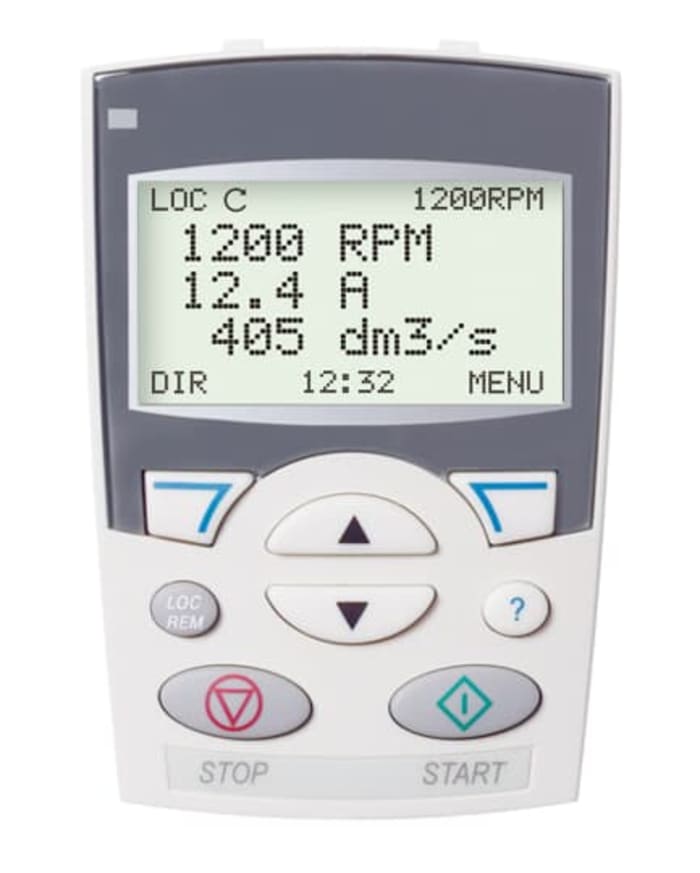
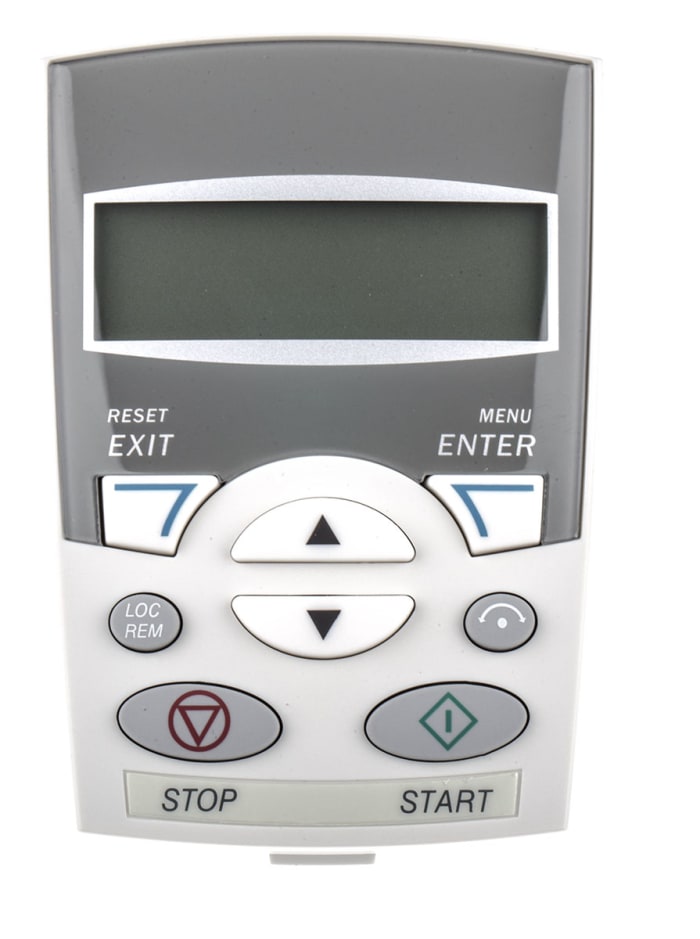
Control your standard drive with this operator panel from ABB. This unit is compatible with drives from the ACS310, ACS350, ACS355 and ACS550 series and can control multiple units at the same time. You can use it to copy parameter data from one drive to another or to back up a drives memory. Its large display is easy to read and the interface is simple and intuitive to use, with a built-in help button for easy access to assistance.
The device is designed to be used in a way you might recognise from using a mobile phone. Its backlit screen displays alphanumerical and graphical information, which you can scroll through using the grippy 'up' and 'down' buttons.
The assistant control panel features various assistants and a built in help function to guide the user. It includes a real time clock, which can be used as start/ stop. The control panel can be used for copying parameters for back up or downloading to another drive. A large graphical display and softkeys make it extremely easy to navigate.
Varastotiedot eivät ole tilapäisesti saatavilla.
€ 245,00
€ 245,00 kpl (ilman ALV)
€ 307,48
€ 307,48 kpl (Sis ALV:n)
1
€ 245,00
€ 245,00 kpl (ilman ALV)
€ 307,48
€ 307,48 kpl (Sis ALV:n)
Varastotiedot eivät ole tilapäisesti saatavilla.
1
Tekninen Dokumentti
Tekniset tiedot
Merkki
ABBAccessory Type
Operator Panel
Product Type
Inverter Drive Accessory
For Use With
ACS550 Series, ACS350 Series, ACS355 Series, ACS310 Series
Series
ACS550
Standards/Approvals
UL, CE, cUL
Alkuperämaa
China
Tuotetiedot
Control your standard drive with this operator panel from ABB. This unit is compatible with drives from the ACS310, ACS350, ACS355 and ACS550 series and can control multiple units at the same time. You can use it to copy parameter data from one drive to another or to back up a drives memory. Its large display is easy to read and the interface is simple and intuitive to use, with a built-in help button for easy access to assistance.
The device is designed to be used in a way you might recognise from using a mobile phone. Its backlit screen displays alphanumerical and graphical information, which you can scroll through using the grippy 'up' and 'down' buttons.
The assistant control panel features various assistants and a built in help function to guide the user. It includes a real time clock, which can be used as start/ stop. The control panel can be used for copying parameters for back up or downloading to another drive. A large graphical display and softkeys make it extremely easy to navigate.